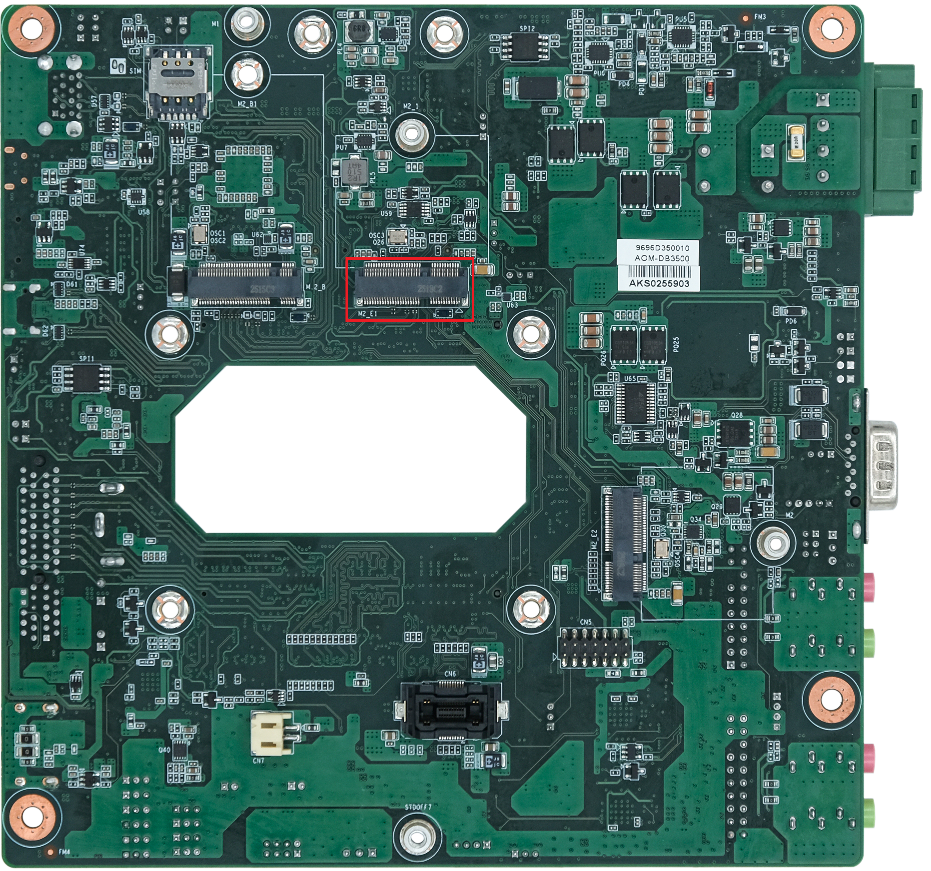
AOM-DB3500 M.2 E1 Key——PCIE/SATA
Contents
- 1AOM-3821 supports three PCIE ports.
- 2M2_E1 Key Pin define
- 3J8 M2_E1 Power Setting
- 4J9 M.2_B Power Setting
- 5WIFI/BT Support Modle:
- 6BT(For example:“Mate 50 Pro”)
- 7SATA(model:IM2S3334-512GCTB4)
AOM-3821 supports three PCIE ports.
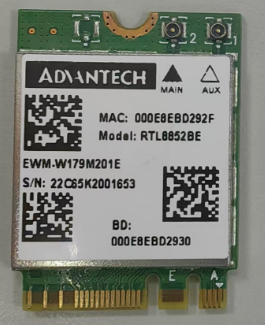
Using the PCIE disk (SQF-C8BV2-128G-EDE) to test the M.2_B-Key PCIE interface. Using the WIFI module (EWM-W179M201E) to test the M.2_E-Key PCIE interface. Using NVMe (UGREEN KB-SA0093-A1 + JZ-SSD256G-5) to test PCIEX4 interface.
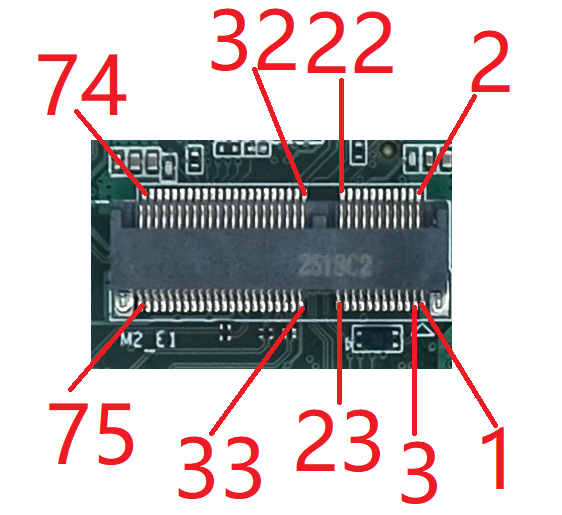
M2_E1 Key Pin define
| M2_E1 M2_E1 Connector Pin Definition |
|---|
| Pin |
| 1 |
| 2 |
| 3 |
| 4 |
| 5 |
| 6 |
| 7 |
| 8 |
| 9 |
| 10 |
| 11 |
| 12 |
| 13 |
| 14 |
| 15 |
| 16 |
| 17 |
| 18 |
| 19 |
| 20 |
| 21 |
| 22 |
| 23 |
| 24-31 |
| 32 |
| 33 |
| 34 |
| 35 |
| 36 |
| 37 |
| 38 |
| 39 |
| 40 |
| 41 |
| 42 |
| 43 |
| 44 |
| 45 |
| 46 |
| 47 |
| 48 |
| 49 |
| 50 |
| 51 |
| 52 |
| 53 |
| 54 |
| 55 |
| 56 |
| 57 |
| 58 |
| 59 |
| 60 |
| 61 |
| 62 |
| 63 |
| 64 |
| 65 |
| 66 |
| 67 |
| 68 |
| 69 |
| 70 |
| 71 |
| 72 |
| 73 |
| 74 |
| 75 |
J8 M2_E1 Power Setting
| Pin | Function |
|---|---|
| J8(1-2) | M2_E1 power 3.3V (Default) |
| J8(2-3) | M2_E1 power 3.8V |
J9 M.2_B Power Setting
| Pin | Function |
|---|---|
| J9(1-2) | (B2B pin B76-B79) to M2_E1 (Default) |
| J9(2-3) | UART1 (B2B pin B76-B79) to M2_E2 |
WIFI/BT Support Modle:
EWM-W179M201E RTL8852BE,Wifi6: PCIe + BT5.2: USB
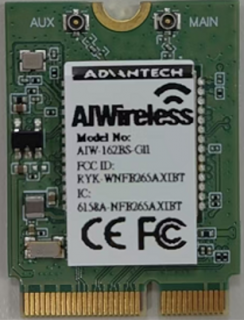
AIW-162BS-GI1 Broadcom AP6275P, - 40°C~85°C PCIE+UART
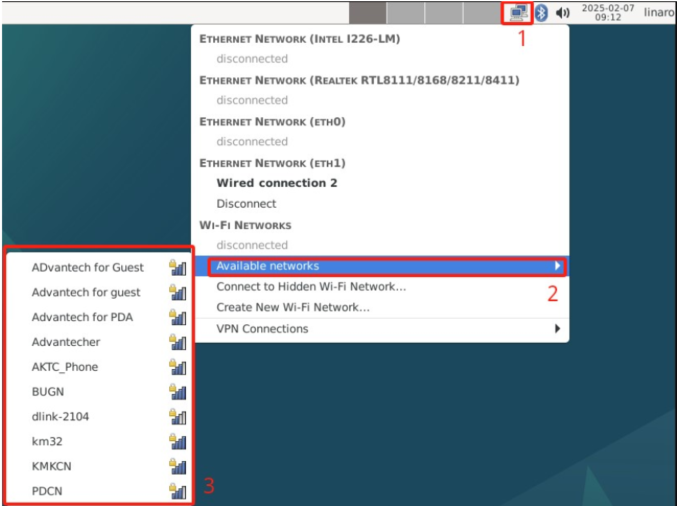
1、Click the network icon in the top right corner of the screen and click the line of “Available networks” to select a Wi-Fi connection (for example: Advantech for guest)
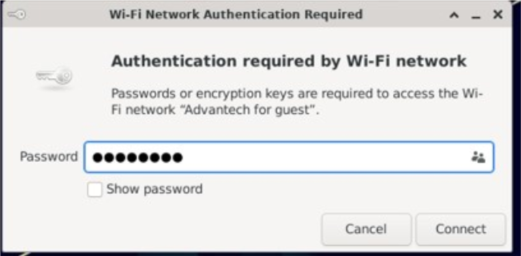
2、Enter the Wi-Fi password to connect to the device.
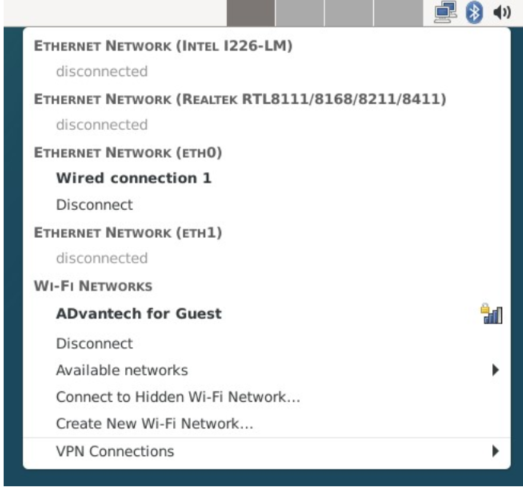
3、If the password is correct, the device will connect quickly.
After connection, Wi-Fi will create a net point “wlan0”.
# ping -I wlan0 www.advantech.com
BT(For example:“Mate 50 Pro”)
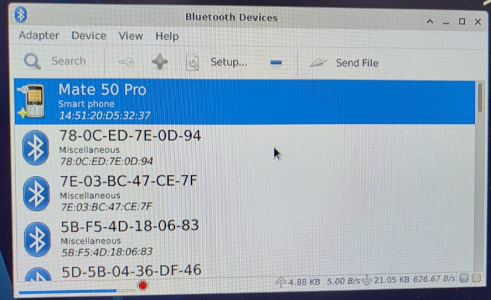
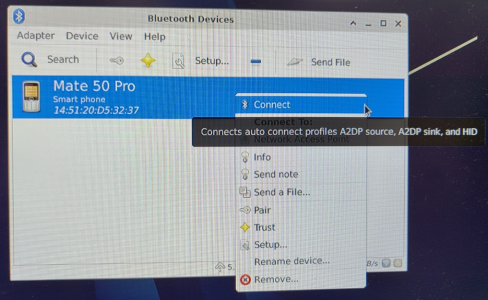
Step1 :Click “Applications” -> “Settings”-> “Bluetooth manager”. Click the “Search” button to search for Bluetooth devices.
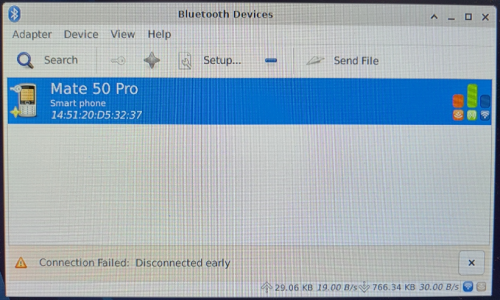
Step2 :Right-click to select a device, such as “Mate 50 Pro”, and Connect Bluetooth.
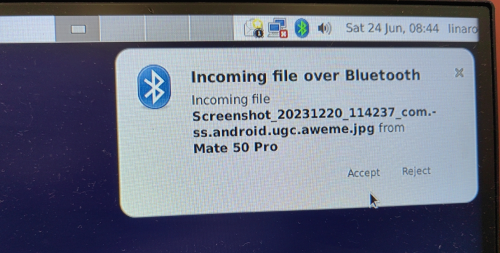
Step3 :AOM-3821 will start sending files when the receiver device, such as “Mate 50 Pro ”, confirms bluetooth reception.
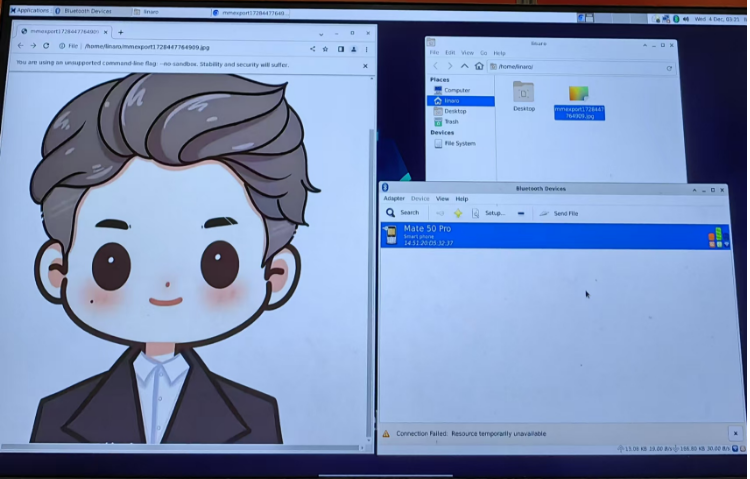
Step4:View the location and information of the sent file.
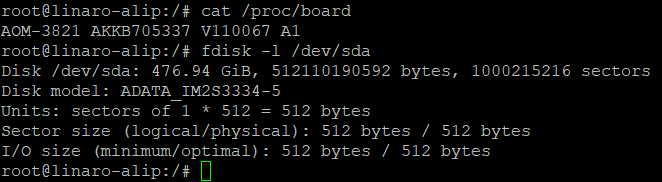
SATA(model:IM2S3334-512GCTB4)
M.2_E-KEY PCIE TEST:
# fw_setenv combphy1 sata
# reboot
# fdisk -l /dev/sda