← Back to ROM-5880
Connect to new Hotspot
-
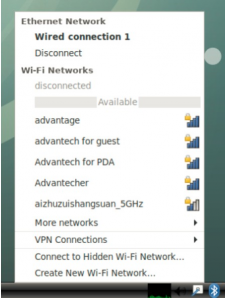
- Click the Wi-Fi icon in the bottom (or top) right corner of the screen.
-
- Select a Wi-Fi connection (for example, Advantech for guest).
-
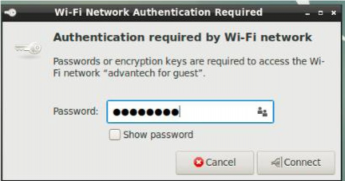
- Enter the Wi-Fi password to connect to the device.
-
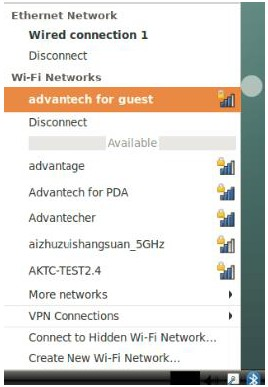
- If the password is correct the device will connect quickly.
-
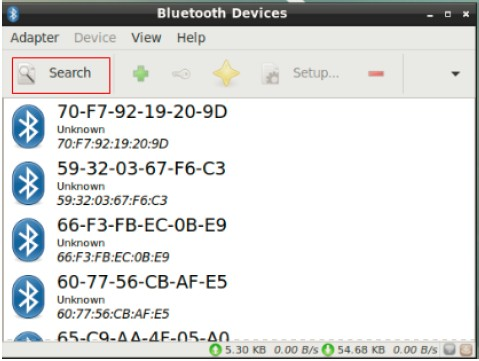
- Entry start->Preferences-> Bluetooth manager
-
- Click the Search button to search for Bluetooth devices.
-
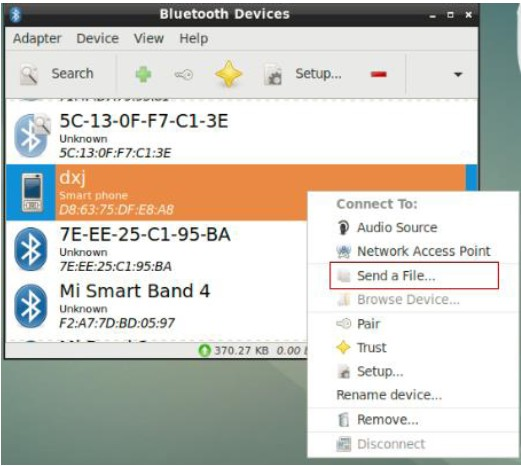
- Right-click to select a device, such as DXJ, and send a file.
-
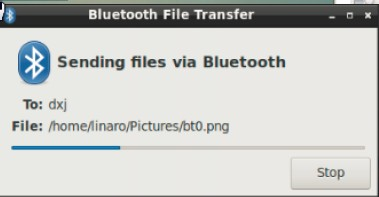
- DUT will start sending files when the receiver device, such as DXJ, confirms bluetooth reception.