AFE-E630 4G/GPS Module
AFE-E630 Support model of 4G module:EC20CEFRSG-MINIPCIE-C(for china)
EC20CEFRSG-MINIPCIE-C(for china)
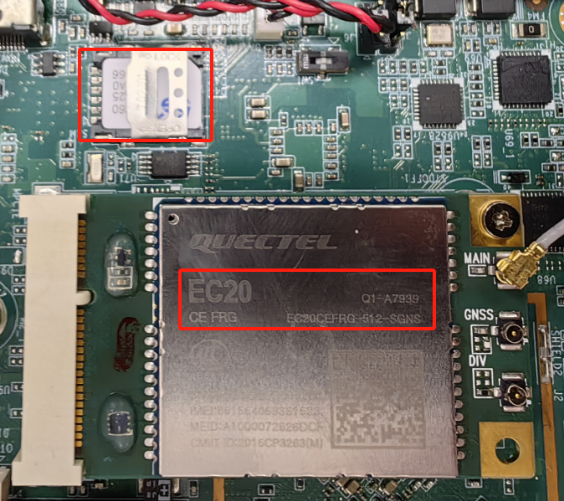
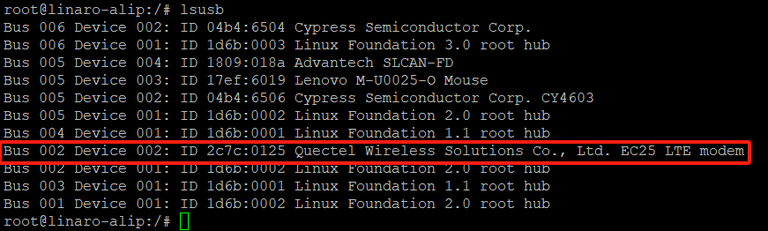
STEP 0 : Power off the device, then insert 4G module and SIM card. Note: Make sure the device is power off before insert 4G module and SIM card, otherwise the device, 4G module and/or SIM card may be damaged.

STEP 1: Power on the device, Click network connection icon then choose "New Mobile Broadband connection".
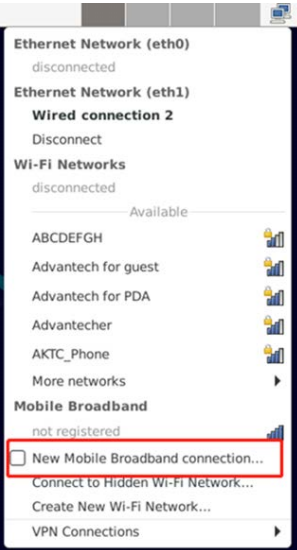
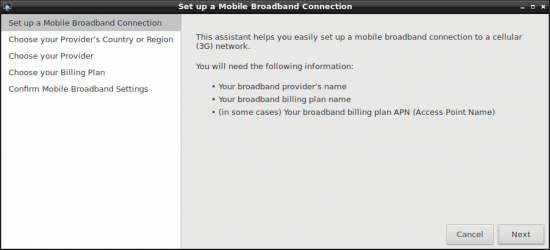
then you will see the following window, click "Next" button to the next step.
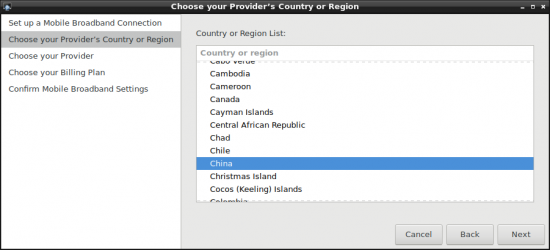
STEP 2 : Choose Provider's country or region of the SIM card you insert in STEP 0.
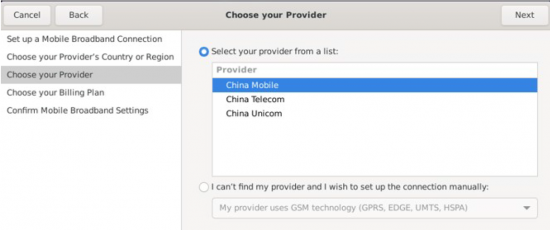
STEP 3 : Choose or Set the Provider's name.
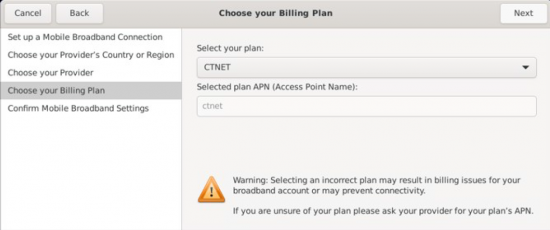
STEP 4 : Choose or Set APN.
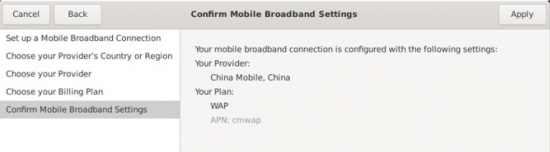
STEP 5 : Confirm your configuration and finish.
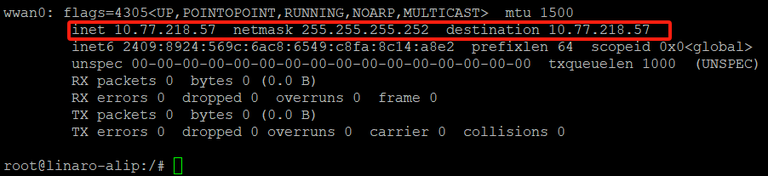
After connection, 4Gwill create a net point “wwan0”
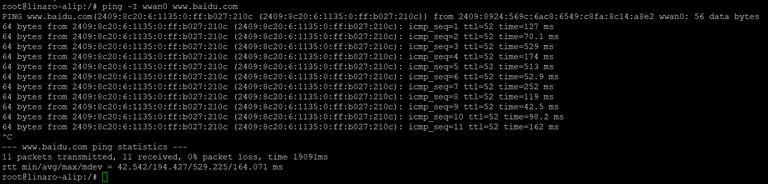
# ping –I wwan0 www.advantech.com
AIW-344FQ(for overseas)
Please refer to the above operation method.