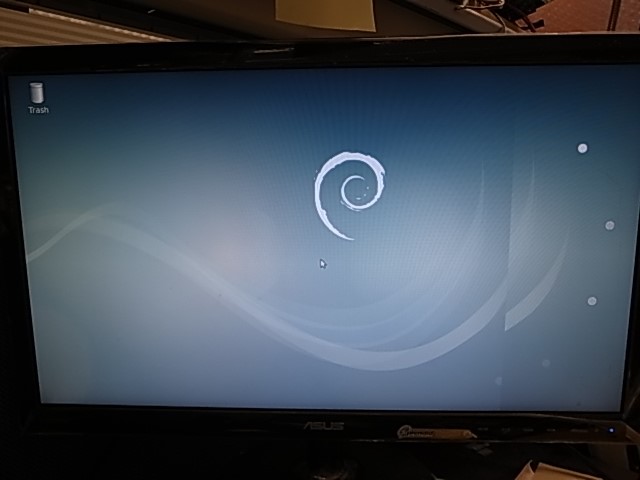
RSB 4680 Update through Android Tool
Update through Android Tool
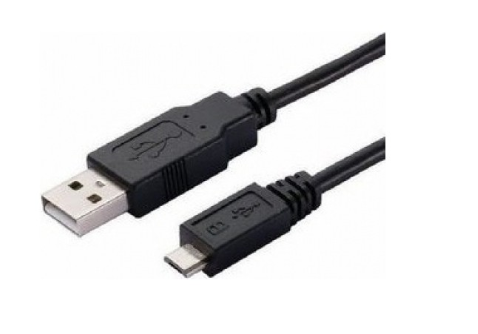
Step0: Need to use Micro USB to connect with RSB-4680 OTG port, and other Type-A USB to connect with your PC
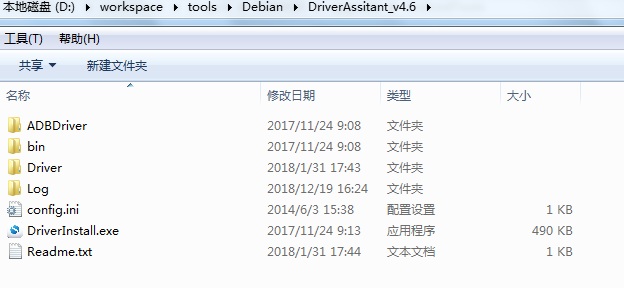
Step1: Double click DriverInstall.exe .
Step2: Enter into MASKROM mode .
There are two ways to enter MASKROM .
1. Hardware way to enter MASKROM
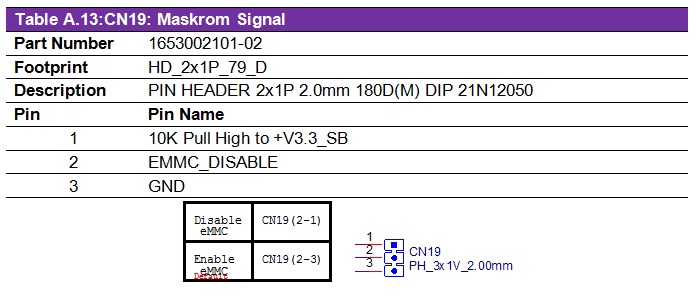
(1)Connect PIN2-PIN1 of CN19 to Disable eMMC,reboot device to enter MASKROM mode.
(2)After device enter into MASKROM mode,then connect PIN2-PIN3 of CN19 to Enable eMMC.
RSB-4680 Connector Layout :
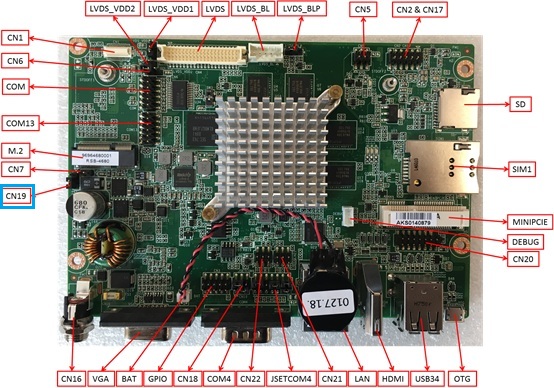
RSB-4680 CN19 PIN define :
2. Software way to enter MASKROM
When the device boot up to debian, you can use Terminal or Debug port to input the following command :
sudo reboot loader
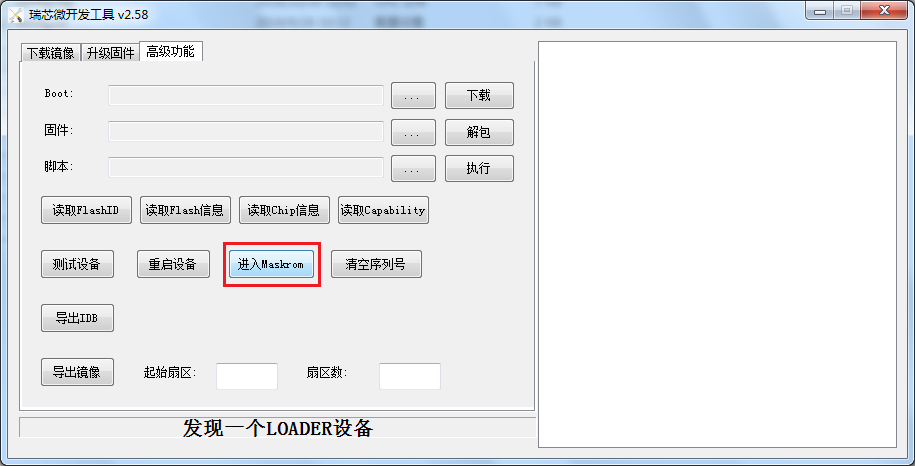
Click "Advantech Function" , then "Enter MASHROM" button to enter MASHROM mode .
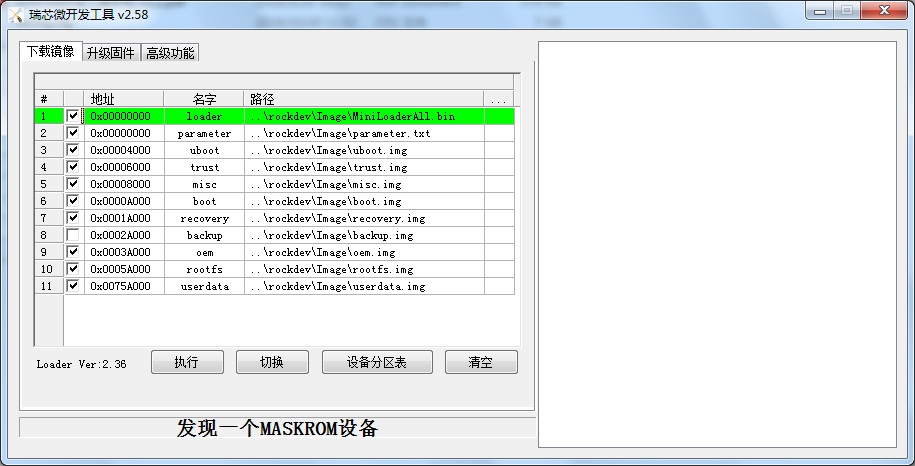
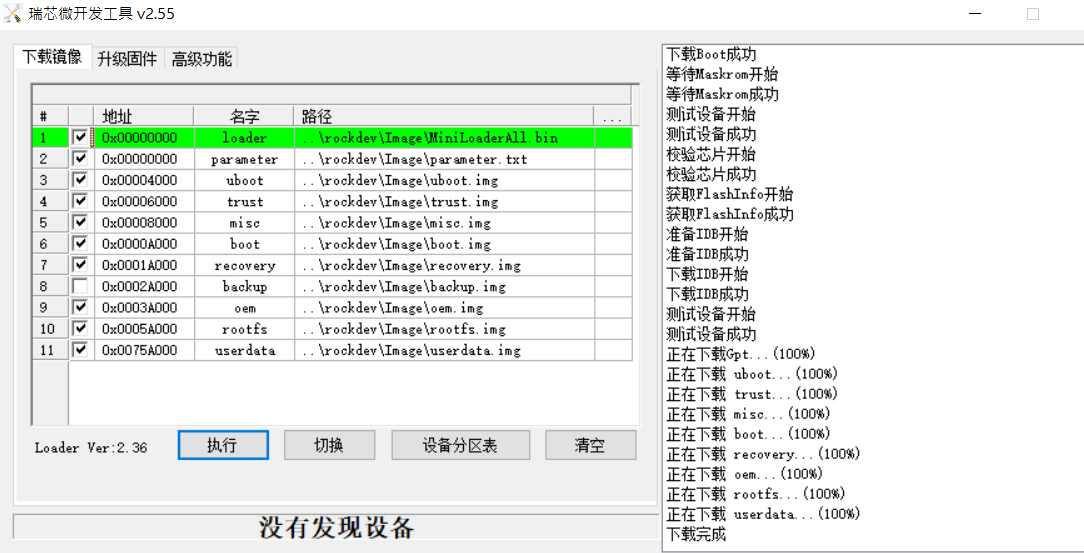
Step3: Select the image path .
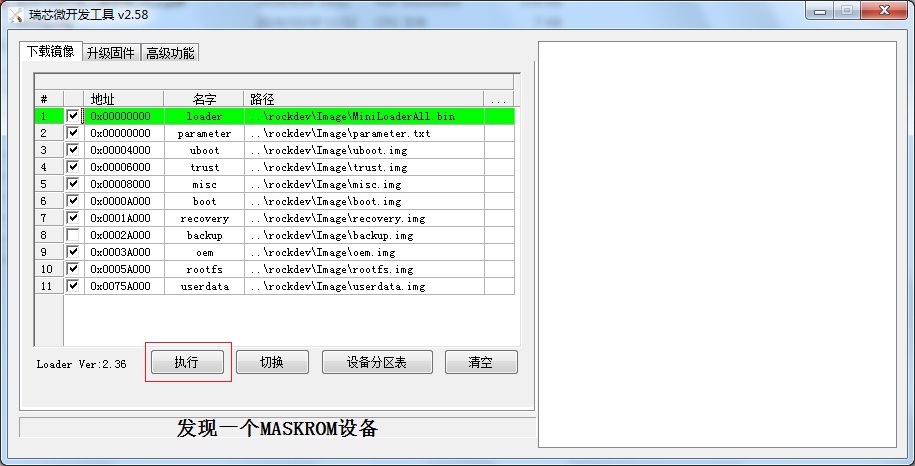
Step4 : Click update button to upgrade images .
Step5 : When“下載完成(Download finish )” , please unplug the Micro USB with RSB-4680 , then turn off and turn on the power again .
Step6 : Please remove the Micro USB and the poewer , then reboot the device , you will see the Debian Desktop.